Monitor AI-authored JavaScript errors
AI code ships fast, but the errors are rarely obvious. TrackJS captures the runtime context, user impact, and environment details you need to fix AI-authored bugs before they become incidents.

“We shipped AI-generated features in days, but the edge cases were brutal. TrackJS showed us exactly what broke and why.”
Monitor AI-authored errors in 3 easy steps:
TrackJS makes AI code safe in production by capturing the context behind every failure.
1. Install the agent
Add TrackJS to your frontend or bundle. It’s lightweight, fast, and captures errors automatically—no extra instrumentation needed.
2. Ship your AI changes
As AI code hits production, TrackJS captures exceptions, rejected promises, and console errors with complete runtime context.

3. Prioritize what AI missed
Filter by impact, ignore the noise, and alert on the errors that matter. Fix the highest-risk AI bugs first.
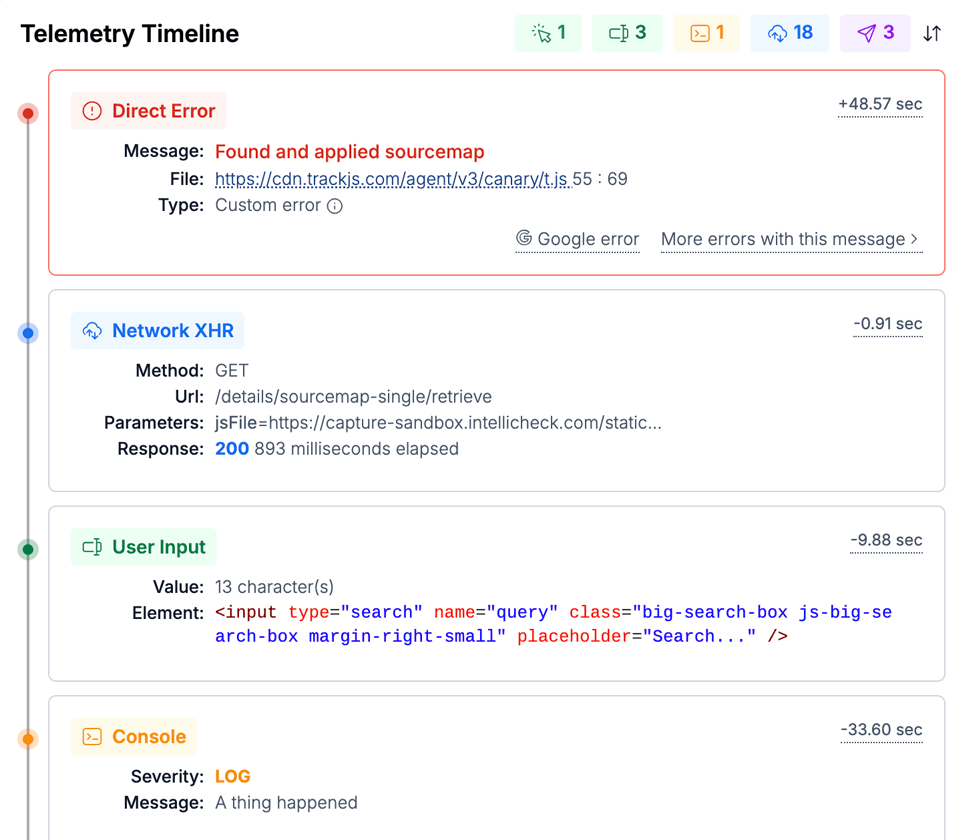
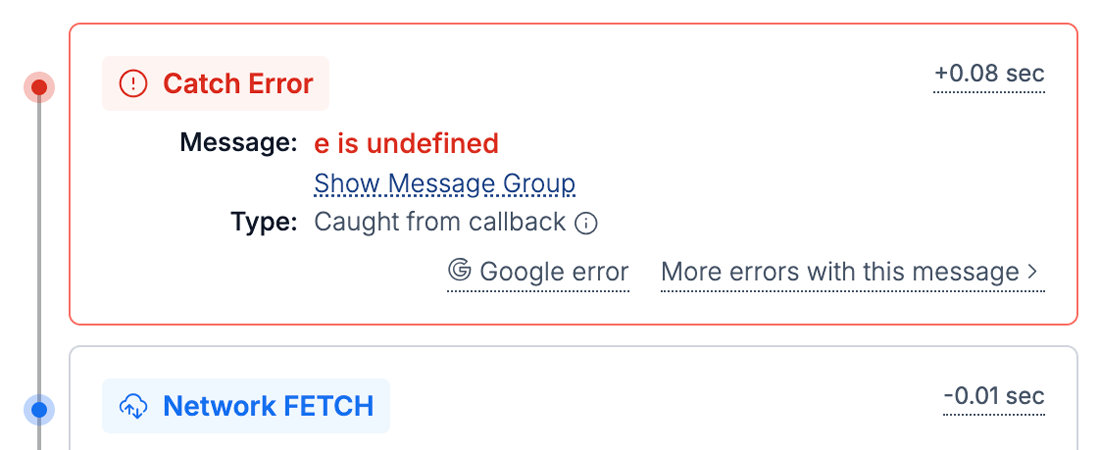
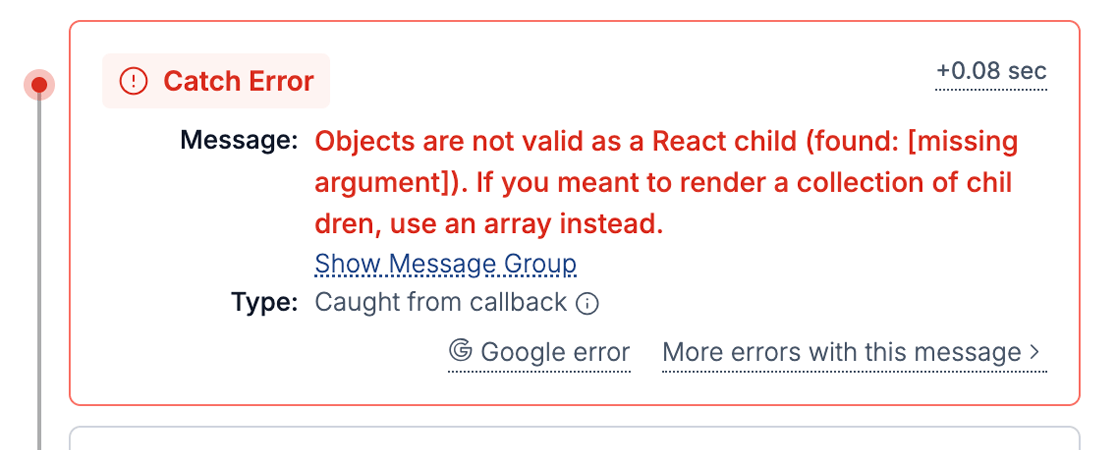
Telemetry Timeline
See the full story behind AI errors
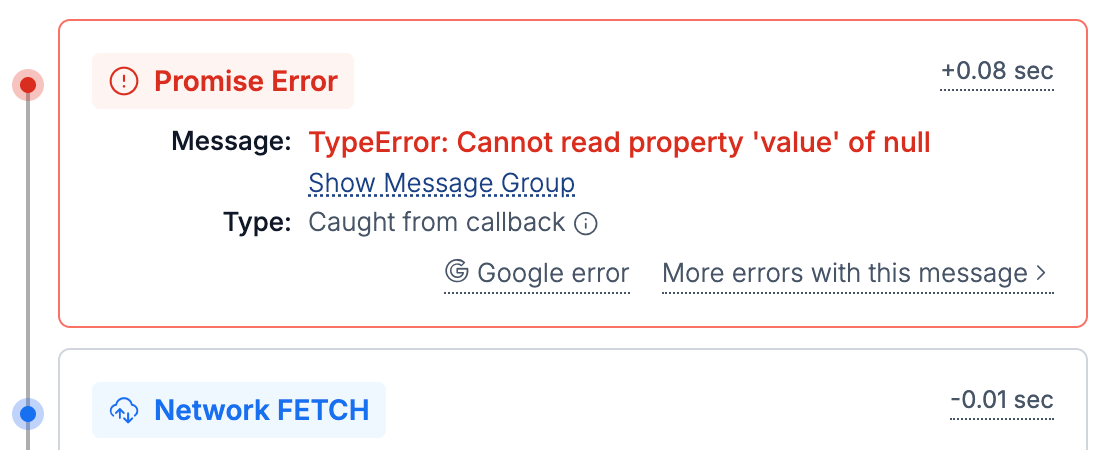
AI code often breaks on real-world timing, data, or browser quirks. TrackJS captures the full timeline of network, navigation, and console events to show the exact failure path.
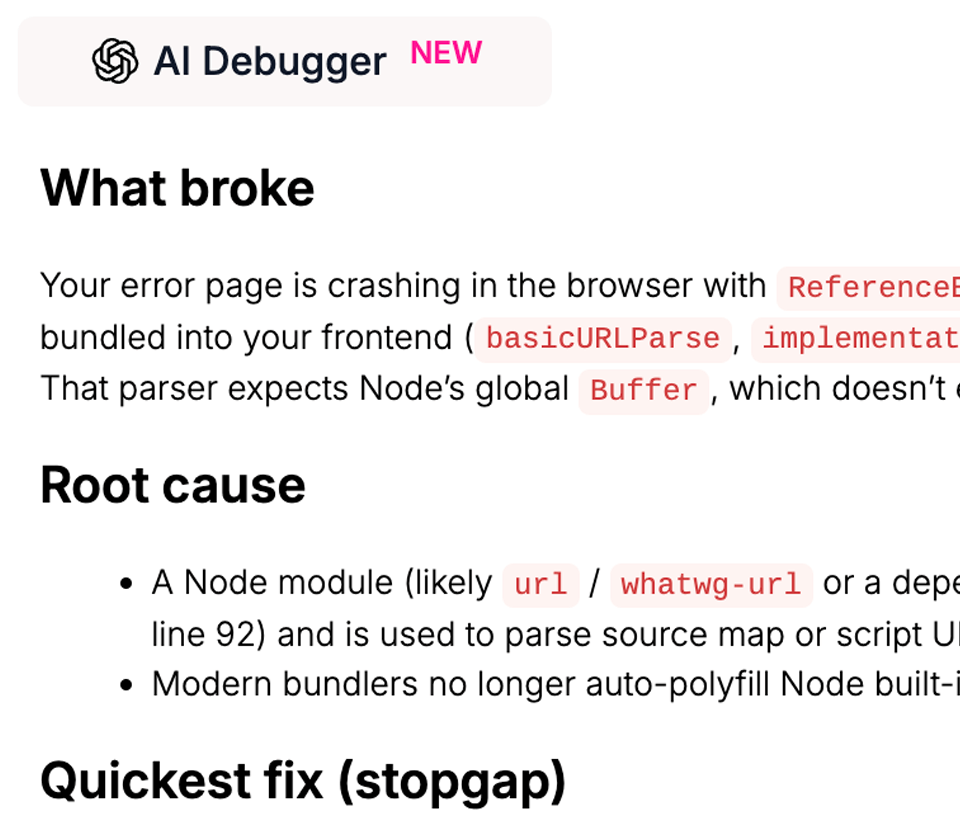
AI Code Debugger
Turn cryptic failures into fixes
Our AI Debugger analyzes telemetry and source code to explain what went wrong and how to fix it, even when the code was generated.
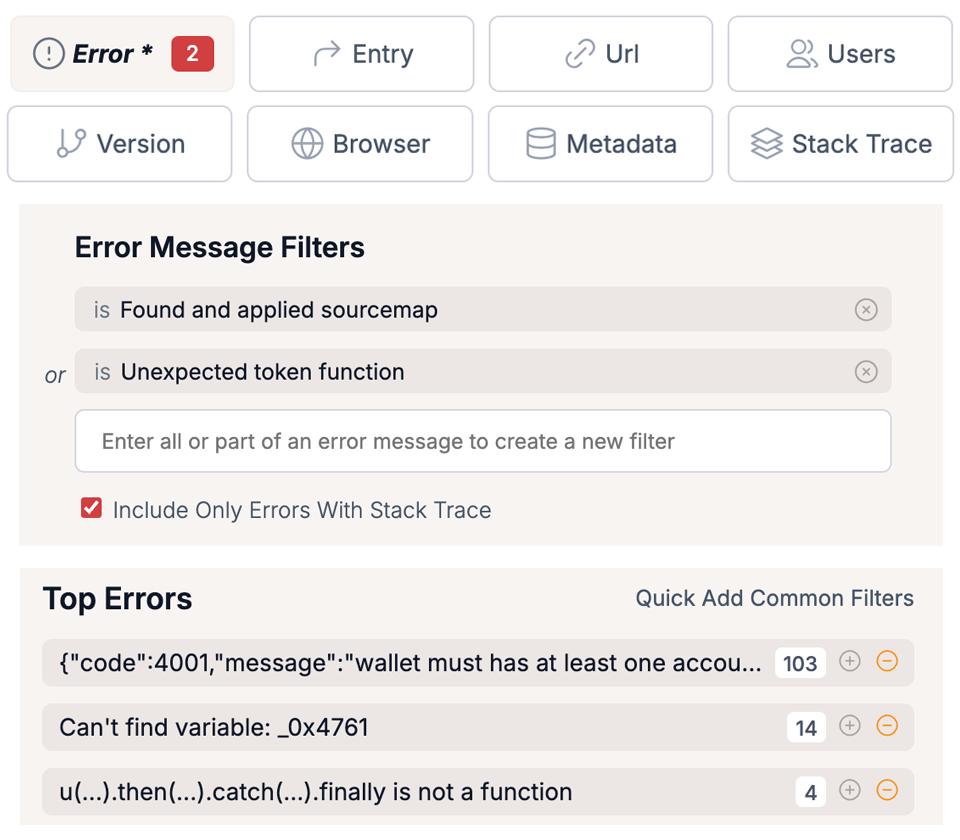
Discoverable Error Filters
Focus on the AI bugs that matter
Prioritize errors by user impact, browser, release, and frequency. TrackJS surfaces the errors that are most likely to hurt customers.
Integration
Works with React, Vue, Angular, and more!
TrackJS integrates with all popular JavaScript frameworks and build tools. Set up error monitoring in minutes, not hours.
index.html
<script
  src="https://cdn.trackjs.com/agent/v3/latest/t.js">
</script>

<script>
  TrackJS.install({ token: "your-account-token" });
</script>
App.jsx
import React, { Component } from "react";
import { TrackJS } from "trackjs";

class TrackJSErrorBoundary extends Component {
  componentDidCatch(error, errorInfo) {
    TrackJS.track({ error });
    this.setState({ error });
  }
}

TrackJS.install({ token: "your-account-token" });

const App = () => {
  return (
    <TrackJSErrorBoundary>
      <...>
    </TrackJSErrorBoundary>
  )
}
app.module.ts
import { ErrorHandler, Injectable } from "@angular/core";
import { TrackJS } from "trackjs";
import { AppComponent }  from "./app.component";

TrackJS.install({ token: "your-account-token" });

@Injectable()
class TrackJSErrorHandler implements ErrorHandler {
  handleError(error:any) {
    TrackJS.track(error.originalError || error);
  }
}

@NgModule({
  declations: [AppComponent],
  bootstrap: [AppComponent],
  providers: [{ provide: ErrorHandler, useClass: TrackJSErrorHandler }]
})
pages/app.tsx
import App from "next/app";
import { TrackJS } from "trackjs-nextjs";

TrackJS.install({ token: "your-account-token" });

export default App;

// NextJS requires a few changes. Check out the docs at
// https://docs.trackjs.com/browser-agent/integrations/nextjs15/